League SBC Grind
Before you start
Make sure you have installed the extension or the mobile app.
Step 1: Set up Daily Quick Complete
Go to the FUTGenie tab on the left of your web app, open Settings, and add your Daily Bronze Upgrade, Daily Silver Upgrade, and Daily Gold Upgrade to the Daily Quick Complete tab. 
Step 2: Quick Complete and open packs
Head over to your SBCs, Quick Complete the SBCs you’ve chosen, and open all the packs.
You’ll often get players from Liga Portugal and 1A Pro League from the Bronze/Silver player packs—they’re ideal for the Premium Mixed Upgrades.

Step 3: Stock up with Provisions
Use any 85–87 rated players on the Provisions upgrade SBC. This will give you enough gold rares and gold commons for at least one run of the Premium Mixed League Upgrades.
Step 4: Run the League SBC grind
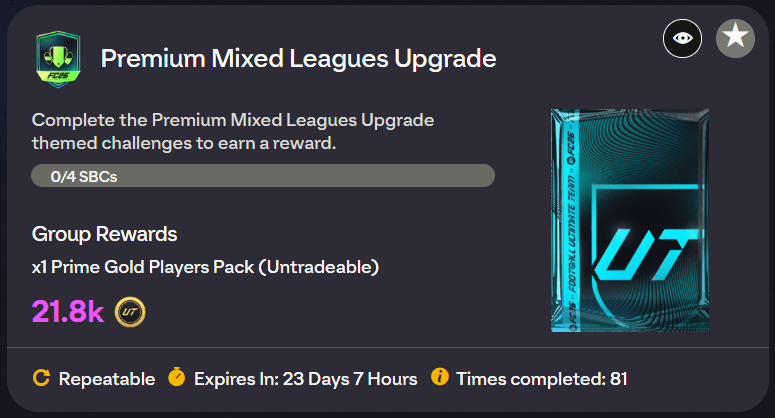
- Go to Premium Mixed League Upgrades and use Auto Complete (set Max Rating to 84).
- From the packs you open, quick sell tradeable packs, but keep any 1A Pro League or Liga Portugal cards—even if they’re tradeable.
- From tradeable packs alone you can make at least 7,000 coins from quickselling, plus you’ll fill your club with players from the untradeable packs.


Step 5: Repeat and reuse
Many packs will contain players you can reuse in the Premium Mixed League Upgrade. Do Step 1 every day and your club will look much healthier within a week.
Bonus tip
In the FUTGenie tab, add all the leagues from the Premium Mixed Upgrade to the Excluded Leagues tab. That way, only non-league golds go into upgrades like Player Picks and other Upgrade Packs, so you maximize efficiency.